

How To Download or Send Movies From MovieBox to Your Phone?
Watching movies on your phone has become more popular than ever before. Download Movies From MovieBox to Your Phone is a simple way to enjoy your favorite content without depending on the internet. It gives you the freedom to watch anytime, anywhere, without interruptions.
Whether you’re traveling or just relaxing at home, offline movies make everything easier. No buffering, no delays, just smooth entertainment in your pocket. In this guide, you’ll learn easy steps to download and share movies quickly and safely.
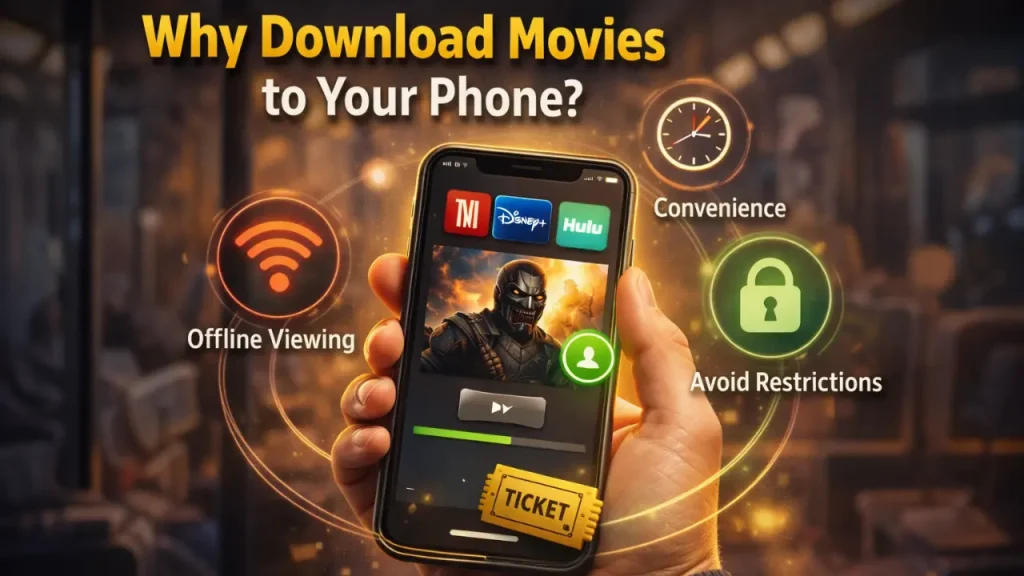
Why Download Movies to Your Phone?
Downloading movies to your phone gives you full control over your entertainment. You don’t have to rely on internet speed or worry about buffering issues. It’s a simple way to enjoy content anytime, anywhere.
- Offline Access Anytime: Once downloaded, you can watch movies without an internet connection, perfect for travel or low-network areas.
- No Buffering Issues: Say goodbye to annoying pauses and loading screens; your movie plays smoothly from start to finish.
- Saves Mobile Data: Download once using Wi-Fi and watch multiple times without using extra data.
- Convenience on the Go: Your phone becomes a portable cinema, letting you watch movies wherever you are.
- Better Control Over Playback: Easily pause, rewind, or replay scenes without any interruptions or delays.
How to Download Movies From MovieBox to Your Phone
Downloading movies from MovieBox to your phone is simple and quick once you know the steps. The app provides an easy download option so you can save your favorite content directly to your device. Whether you want offline viewing or to share files, the process is smooth. Let’s explore different ways to manage and transfer your downloaded movies.
Accessing MovieBox Download Folder
After downloading a movie, it is stored in your phone’s internal storage. You can easily locate it using a file manager app. This helps you manage, move, or share your files anytime.
- Open File Manager: Go to your phone’s file manager and navigate to internal storage.
- Find MovieBox Folder: Look for a folder named “MovieBox” where all downloaded files are saved.
- Check Video Files: Open the folder to view your downloaded movies in video format.
- Organize Your Files: You can rename, move, or delete files to manage storage efficiently.
Transfer via USB or Computer
Using a computer is one of the most reliable ways to transfer movies. It is especially useful when dealing with large files or backups. This method ensures safe and fast file movement.
- Connect Your Phone to PC: Use a USB cable to connect your phone to your computer.
- Enable File Transfer Mode: Select “File Transfer” or “MTP” mode on your phone.
- Locate MovieBox Folder on PC: Open your phone storage from the computer and find the MovieBox folder.
- Copy or Move Files: Drag and drop movies between your phone and computer easily.
Use File Sharing Apps
File-sharing apps make transferring movies between devices super fast. They are much quicker than Bluetooth and easy to use. This is perfect for sharing with friends.
- Install Sharing App: Download apps like SHAREit or Xender on both devices.
- Connect Both Devices: Use Wi-Fi or a hotspot to pair the phones.
- Select Movie Files: Choose the movies from the MovieBox folder.
- Send Instantly: Transfer files within seconds without using mobile data.
Where Are Downloaded Movies Stored?
Downloaded movies from MovieBox are usually saved in your phone’s internal storage. Most of the time, you can find them inside a folder named “MovieBox” using your file manager. In some cases, the files may be stored in a hidden or app-specific directory. If you can’t locate them easily, you can check the app settings or use a file explorer to search for video files.
Requirements Before Downloading
Before you start downloading movies from MovieBox, it’s important to make sure everything is set up properly. A little preparation can save you time and frustration later.
- Compatible Device
- Stable Internet Connection
- Enough Storage Space
- Updated App Version
- Active Account Login
Frequently Asked Questions (FAQs)
Final Thoughts
Downloading and sending movies from MovieBox to your phone is a simple process once you understand the basics. It gives you the freedom to enjoy your favorite content without worrying about internet issues. With the right steps and tools, you can easily manage and share movies anytime. Just make sure to follow safe practices for a smooth and secure experience.


